LetterNine Blog
Still Running Windows 10? Here's Your Simple Plan
Windows 10 reached end of support on October 14, 2025, and a year later many small businesses still run it. Here's what that means for you now - and how to move forward without disrupting your work.
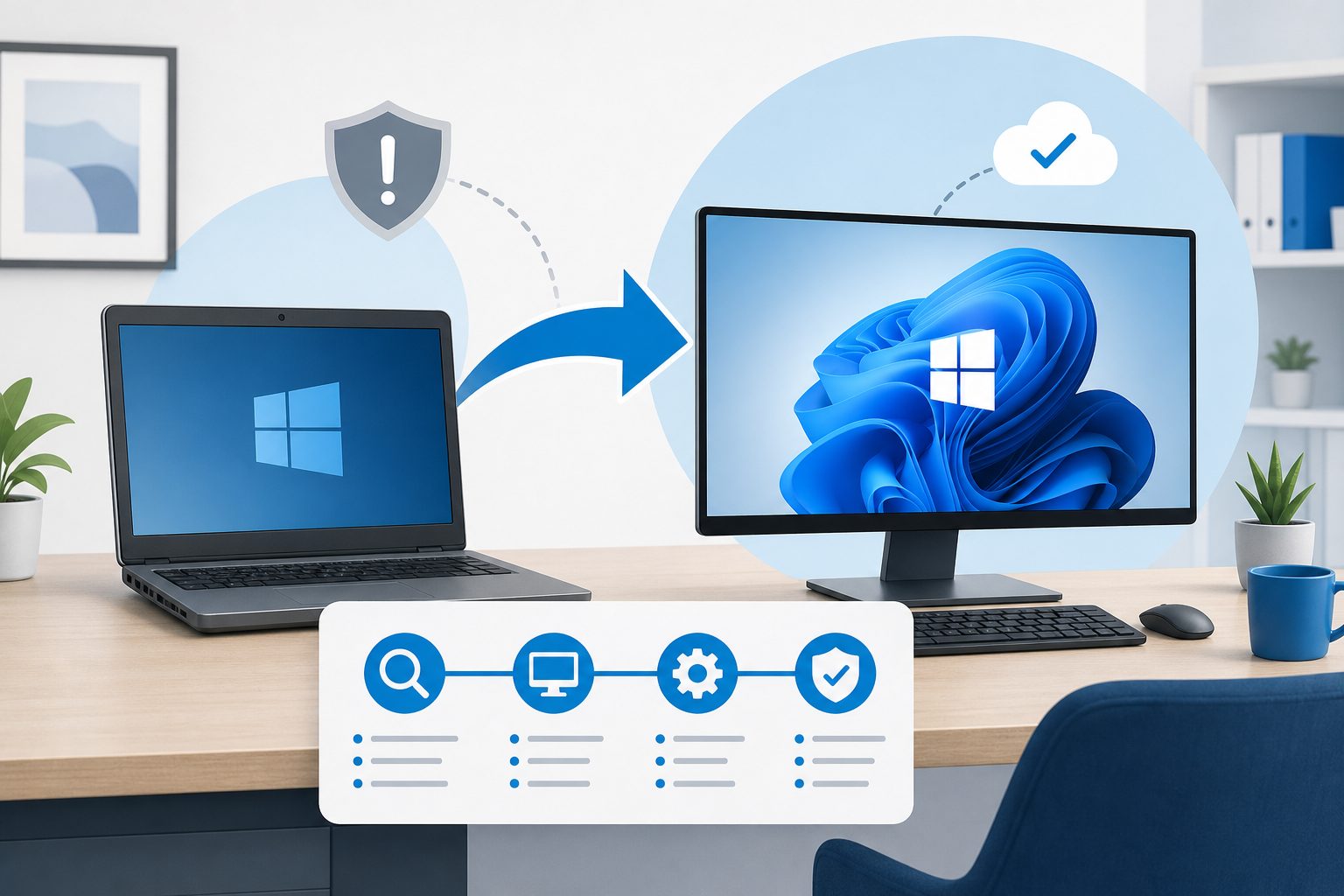
What “end of support” really means
Windows 10 reached end of support on October 14, 2025. That date has come and gone, but plenty of Cleveland and Charlotte businesses are still running it.
Here’s the plain truth. Microsoft no longer sends free security fixes for Windows 10. The computers still turn on and work. But new holes that attackers find won’t get patched.
Think of a security patch like fixing a broken lock on your front door. Right now, the locksmith has stopped coming. Every day you wait, more doors stay open.
Why this matters for your business
Unpatched computers are the easy way in for attackers. One infected PC can spread to your files, your email, and your customer data.
It also affects your insurance and compliance. Many cyber insurance policies now expect supported, patched systems. Running unsupported software can put a claim at risk, so check what your own policy says. We’re happy to read through it with you.
This isn’t cause for panic. It’s a reason to make a simple plan and work through it.
Your three realistic options
Most businesses land on one of three paths. Often it’s a mix, depending on each computer’s age.
1. Upgrade eligible PCs to Windows 11. Newer computers can move to Windows 11 for free. The upgrade keeps your machine secure and supported. We check each PC to confirm it qualifies before we touch anything.
2. Replace older hardware. Some computers are too old to run Windows 11. For those, a new PC is the cleaner, cheaper long-term choice. We help you buy the right machines and move your files over so nothing gets lost.
3. Pay for Extended Security Updates (ESU) as a short bridge. ESU is a paid program from Microsoft that keeps sending security fixes to Windows 10 for a limited time. Think of it as a temporary patch - useful if you need a few more months to plan, not a place to park long-term. Watch the price, though. Microsoft charged businesses $61 per PC for the first year, and the price doubles every year after that, for up to three years. A business that joins late pays for the year it missed too. For most offices, that makes replacing older PCs the cheaper move, and ESU the exception. We can enroll you and explain the cost up front.
How to plan it without disrupting the business
You don’t need to replace everything at once. A rushed, all-at-once swap is what causes downtime. A steady plan doesn’t.
Here’s the simple way we approach it:
- Start with an inventory. We list every computer, its age, and whether it can run Windows 11.
- Sort by risk and readiness. Eligible PCs upgrade first. Aging hardware gets scheduled for replacement.
- Roll it out in waves. We move a few machines at a time, after hours when we can, so your team keeps working.
- Use ESU only where needed. If a few PCs need more time, ESU bridges the gap while you budget.
That’s it. No chaos, no surprise bills. One clear path, handled by people you can call.
We’ve got this
As your local IT partner, security is our baseline, not an upsell. We’d rather help you plan this calmly now than clean up a mess later.
Want to know exactly where you stand? We’ll inventory your PCs and tell you which ones can upgrade, which should be replaced, and whether ESU makes sense for you. No pressure, just a straight answer.
Schedule a quick call and we’ll take it from there.